
Easy to print and scan
Place the QR code on tables, windows, counters, receipts, and campaign materials.
Menu QR code
Turn your menu into a QR code that is easy to print, scan, and share from tables, flyers, counters, receipts, and social posts.
Menu QR code
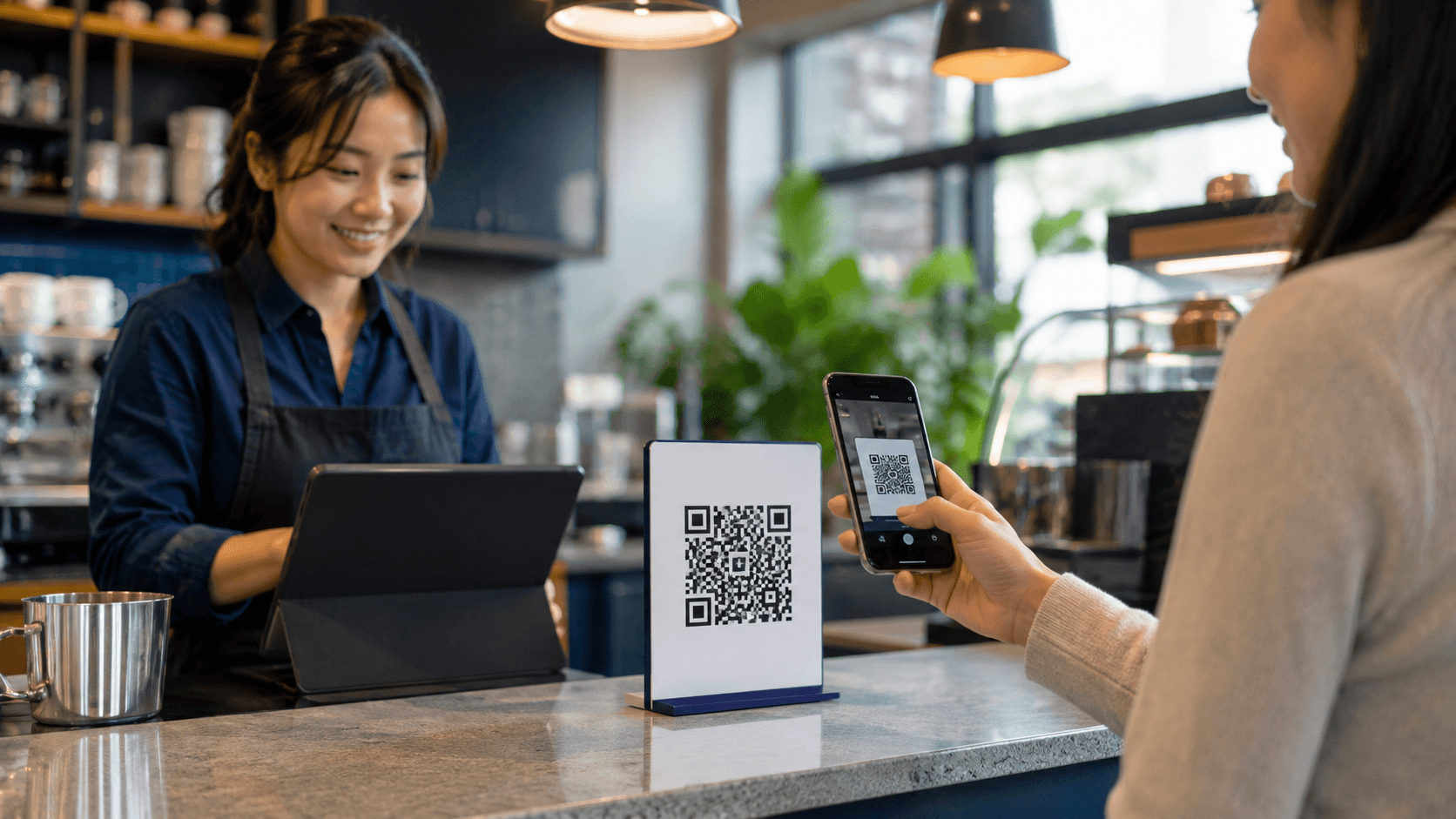
Use Blinkode to connect customers to your digital menu with a short link behind every QR code.
Menu QR code
Place the QR code on tables, windows, counters, receipts, and campaign materials.
Keep the destination cleaner than a long menu URL and easier to share across channels.
Use Blinkode to manage the linked destination when your menu or campaign changes.
Help guests open the menu quickly without typing a long URL.
Add a QR code to printed materials so customers can revisit the menu later.
Use one managed menu link across rooms, venues, counters, windows, and social campaigns.
01
Start with a menu page, PDF menu, image menu, or restaurant link.
02
Use the short link as the clean destination behind the QR code.
03
Use the QR code on tables, flyers, receipts, and social posts, then review click activity in Blinkode.
Long menu URLs are hard to type from printed materials.
A QR code sends guests directly to the menu from tables, flyers, and counters.
Printed materials can become stale when the destination changes.
The Blinkode link behind the QR stays easier to manage from your account.
Campaign results are harder to understand when links are scattered.
Blinkode keeps short links, QR codes, and click activity in one place.
The QR code points to a short Blinkode link instead of a long menu URL.
Use it on menus, packaging, windows, counters, receipts, and event materials.
Click activity stays connected to the same short link that powers the QR code.
Yes. Create a Blinkode short link for your menu destination, then use its QR code on printed or digital surfaces.
Yes. Blinkode supports file links for PDFs and images within your plan limits.
Blinkode tracks clicks after the QR link opens, so you can understand engagement with the menu destination.
Use it on restaurant tables, cafe counters, hotel rooms, event spaces, windows, receipts, flyers, and social profiles.
Related pages
Move between adjacent use cases without losing the right language, route, or product context.
Connect QR generation to the short links and click tracking that support it.
QR Code Generator
See how Blinkode connects file links to QR codes for print, events, and mobile access.
File Sharing QR Code
See how Blinkode turns short links into something easier to share, brand, and measure.
URL Shortener
Free tools
Keep going with the next tool that fits the same job.
Menu QR code
Start with a menu link or PDF, generate the QR code, and keep the destination easy to manage.