Brand authority
Create short links under your own domain to build brand authority and increase trust.
Custom domain URL shortener
Strengthen your brand with short links on your own domain. Blinkode makes setup simple and keeps your links and analytics in one place.
Domain-backed links
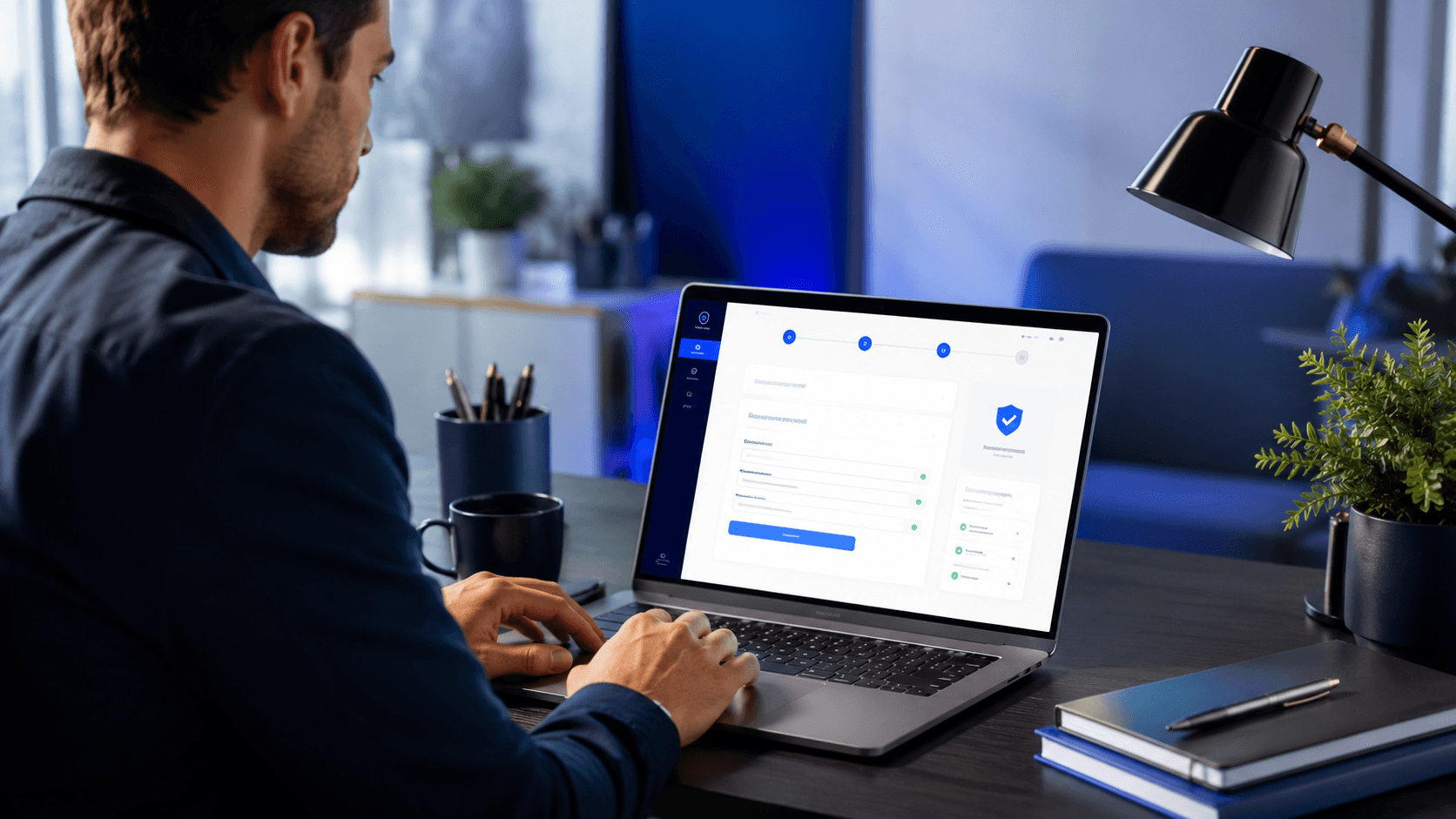
Blinkode keeps the domain-management workflow connected to the real product surface.
Custom domain URL shortener
Create short links under your own domain to build brand authority and increase trust.
Connect your domain to Blinkode with a few DNS updates — no complicated configuration required.
Manage custom-domain links alongside your standard Blinkode links and see all analytics together.
Keep shared links closer to the brand your clients already recognize.
Use a more trustworthy hostname when the link itself is part of the campaign experience.
Carry the same domain-backed short-link system into automation and printed materials.
01
Create the domain record from the dashboard and keep it tied to your account.
02
Blinkode surfaces the connection status and validation details needed for the domain workflow.
03
Once active, the connected domain becomes part of your short-link and slug workflow.
The link uses the standard Blinkode short-link host.
The link uses a hostname your team already controls.
Brand alignment is limited to the destination and surrounding copy.
The link itself carries the brand signal before the click.
Custom slugs are not part of the default-host workflow.
Connected Pro custom domains unlock the branded slug workflow.
Blinkode keeps custom domains scoped to the owning account rather than treating them as generic public aliases.
The domain workflow depends on actual Blinkode validation steps before the hostname is treated as ready.
The same Blinkode app handles setup, readiness, and ongoing short-link use for the connected domain.
It is a short-link workflow that uses your own domain instead of the shared default host, while still managing links through Blinkode.
It can feel more trustworthy, more recognizable, and more aligned with your brand or client work.
Yes. QR workflows can still point to the managed link that uses your connected Blinkode custom domain.
Blinkode custom domains depend on DNS configuration and validation, so setup stays accurate and predictable.
Related pages
Move between adjacent use cases without losing the right language, route, or product context.
See how branded links connect to custom domains, analytics, and short-link sharing inside Blinkode.
Branded Links
See how Blinkode turns short links into something easier to share, brand, and measure.
URL Shortener
See how Blinkode combines file links, QR codes, and dashboard controls for cleaner sharing.
Secure File Sharing
Free tools
Keep going with the next tool that fits the same job.
Custom domain URL shortener
Use branded hosts, cleaner routing, and the path toward custom slugs when the campaign needs stronger ownership.