
One workflow instead of two
Handle file upload and sharing in the same Blinkode flow instead of juggling a storage provider link afterward.
File upload link
Turn PDFs and images into shareable Blinkode links with QR codes and simple access from your dashboard.
Upload-to-link flow
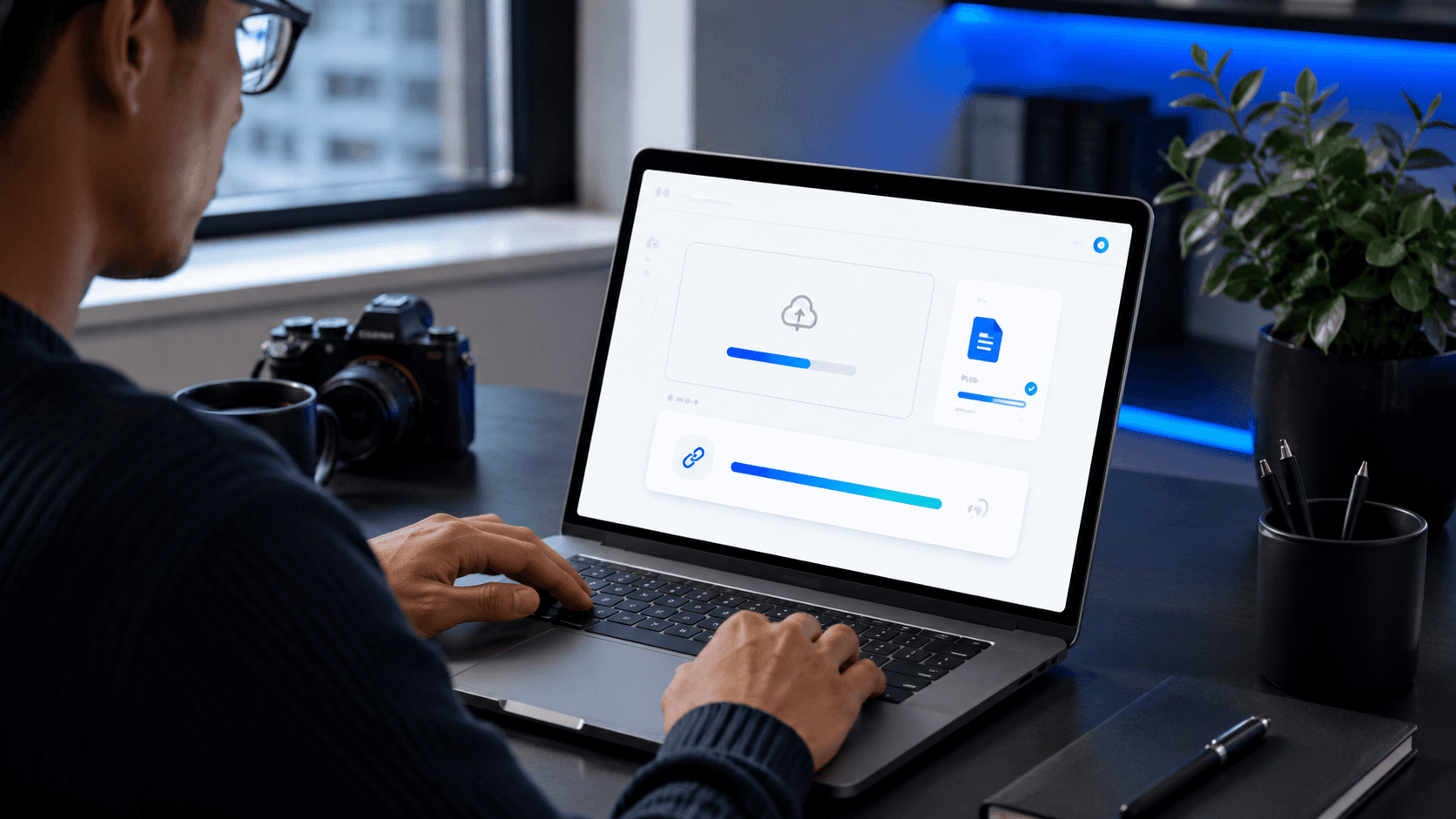
This file-link flow is built for teams that want the link itself to stay clean, reusable, and easier to manage after upload.
File upload link
Handle file upload and sharing in the same Blinkode flow instead of juggling a storage provider link afterward.
Use a polished Blinkode link when proposals, assets, or campaign materials need to look more intentional.
Keep uploaded files tied to your managed links so updates, replacements, and follow-up actions stay easier to handle.
Share the files clients and teammates actually need without falling back to raw provider URLs.
Give campaigns a cleaner route for downloadable assets, schedules, handouts, and supporting files.
Keep repeat file-sharing workflows organized when the same team manages uploads and outgoing links.
01
Open Blinkode’s managed link creation route with the file destination selected.
02
Add the file, let Blinkode process it, and create the shareable link in the same step.
03
Share the finished link, then return to your files dashboard whenever you need updates or replacements.
Related pages
Move between adjacent use cases without losing the right language, route, or product context.
See how Blinkode combines file links, QR codes, and dashboard controls for cleaner sharing.
Secure File Sharing
See how Blinkode keeps temporary file sharing connected to managed links and QR access.
Temporary File Sharing
See how Blinkode turns short links into something easier to share, brand, and measure.
URL Shortener
File upload link
Upload the file, generate the link, and keep the handoff cleaner from the first delivery onward.