
How to install on desktop
- 1Open Blinkode Links in Chrome or Edge.
- 2Select the install icon in the address bar, or open the browser menu.
- 3Choose Install Blinkode Links.
Web app
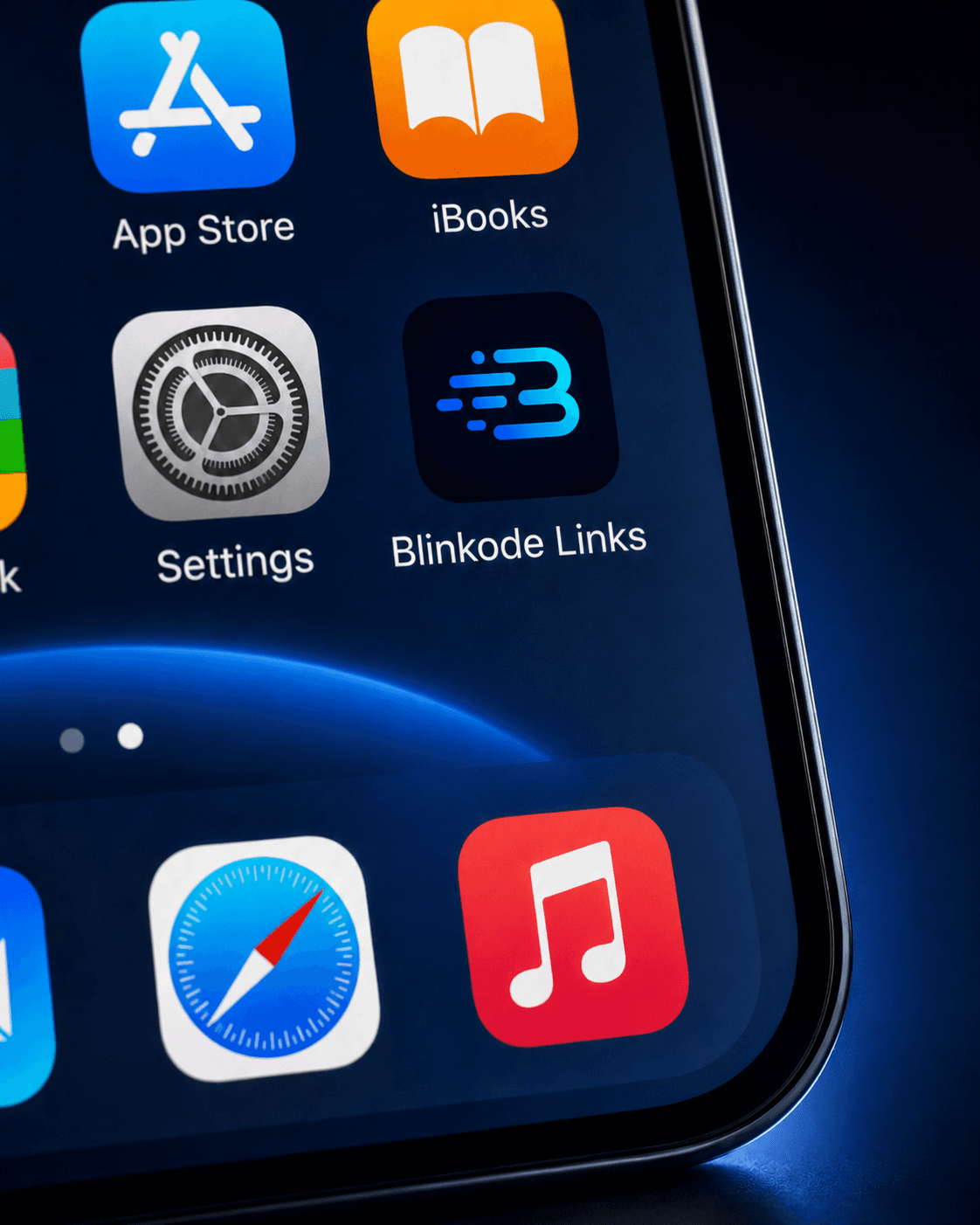
Add Blinkode to your phone or desktop to create, copy, pin, and share links without opening another tab.
Install Blinkode Links, sign in, and keep your most-used links close.

No app store or heavy install required.
Inside the web app
The installed app shortens the path between creating, copying, sharing, and finding your important links again.
Paste a URL, choose an available domain, and get a short link from a fast focused view.
Copy the link or use the device share menu when the browser supports it.
With Plus and Pro, you can keep your most-used links ready across devices.
View, copy, share, pin, or delete links from the installed app when you need a quick action.